Account and security
Your BitsRun account signs in with a one-time code sent to your email, so there is no password to remember, steal or reuse.
On this page
Your account holds your endpoints, API keys, credit and settings. You sign in with your email address and a short code we email you. There is no password.
Sign in or create an account
The same steps work whether or not you already have an account. A new email address simply starts a new, empty account.
- Go to bitsrun.com and select Sign in.
- Type your email address and continue.
- Open the email from BitsRun App and copy the code.
- Type the code under Code from the email. You are in.
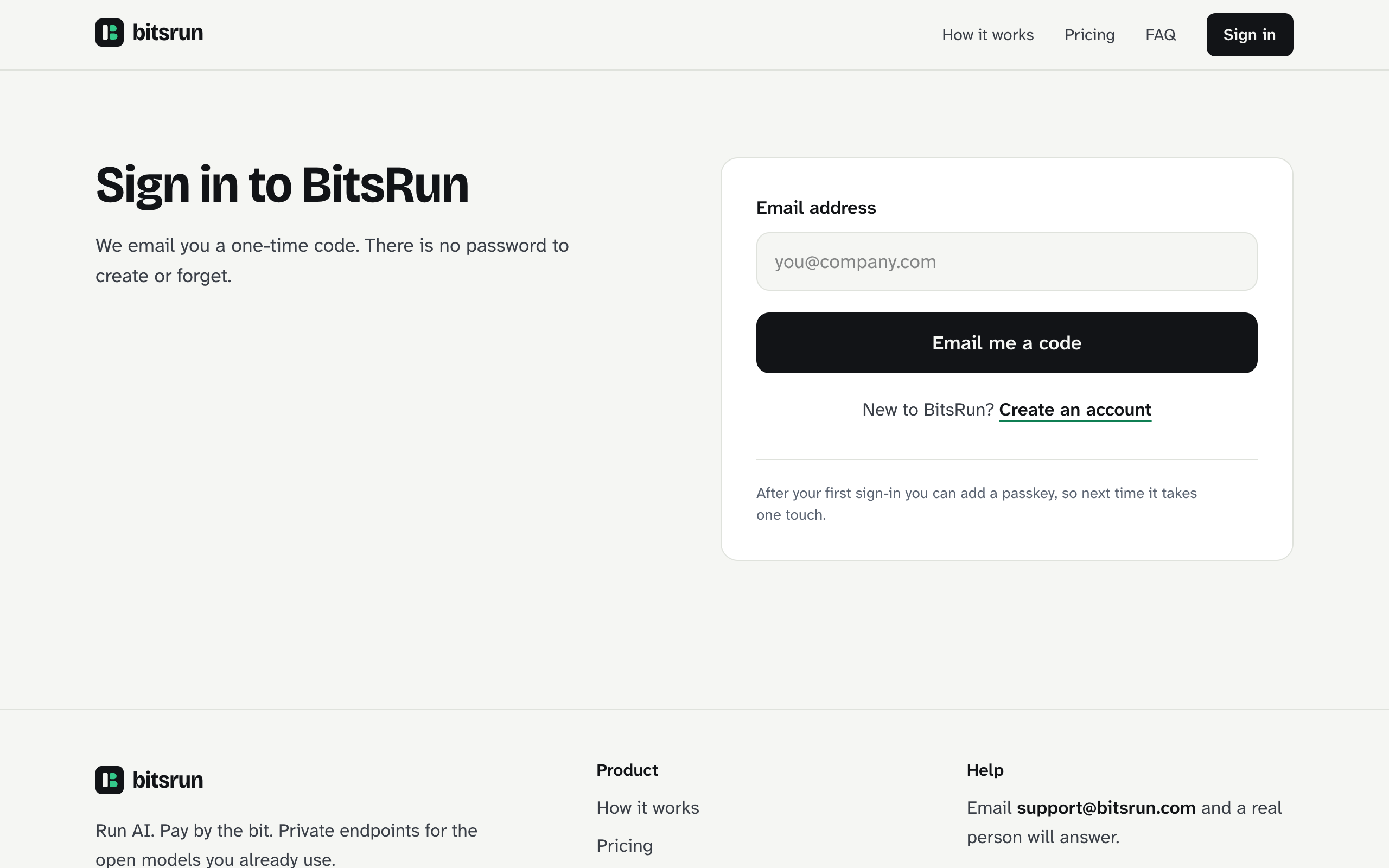
The code works once and expires after a few minutes. If it expired, select Send a new code. If you typed the wrong address, select Use a different email.
Where you can sign in
| Where | How |
|---|---|
| Web dashboard | Email code at bitsrun.com. You stay signed in while the tab is open |
| iOS and Android apps (coming soon) | Email code in the app. The app stays signed in and keeps its tokens in the phone's secure storage |
| Command line | bitsrun login opens your browser to approve the computer. See Command line |
Sign out
- Web: select your initial at the top right of the dashboard, then Sign out.
- Apps (coming soon): Account, then Sign out.
- Command line:
bitsrun logoutsigns this computer out.
To sign out a computer or phone you no longer have, see Sessions and devices.
Keep your account safe
- Protect your email. Whoever reads your inbox can sign in. Use a strong password and two-step verification on your email account.
- Use limited API keys. Give each app its own key, limited to one endpoint where possible. See API keys.
- Read our security emails. We email you whenever a new command line signs in. If it was not you, revoke the session right away.
- Review your devices now and then and remove anything you do not recognize.
Pages in this section
- Sessions and devices: signed-in computers, phones and remote control devices
- Privacy and your data: what we keep, what we never log, and where it lives
- Delete your account: what happens and how
View as MarkdownUpdated
Still stuck?
Email support@bitsrun.com with what you tried and any request id you saw. A real person answers.