Add credit
Open Billing, pick an amount from $10, pay on Stripe, and the credit lands in your balance within seconds.
BitsRun is prepaid. You add credit, and your endpoints draw from it by the second while they are awake. When the balance reaches zero, endpoints stop, so you never get a surprise bill.
Steps
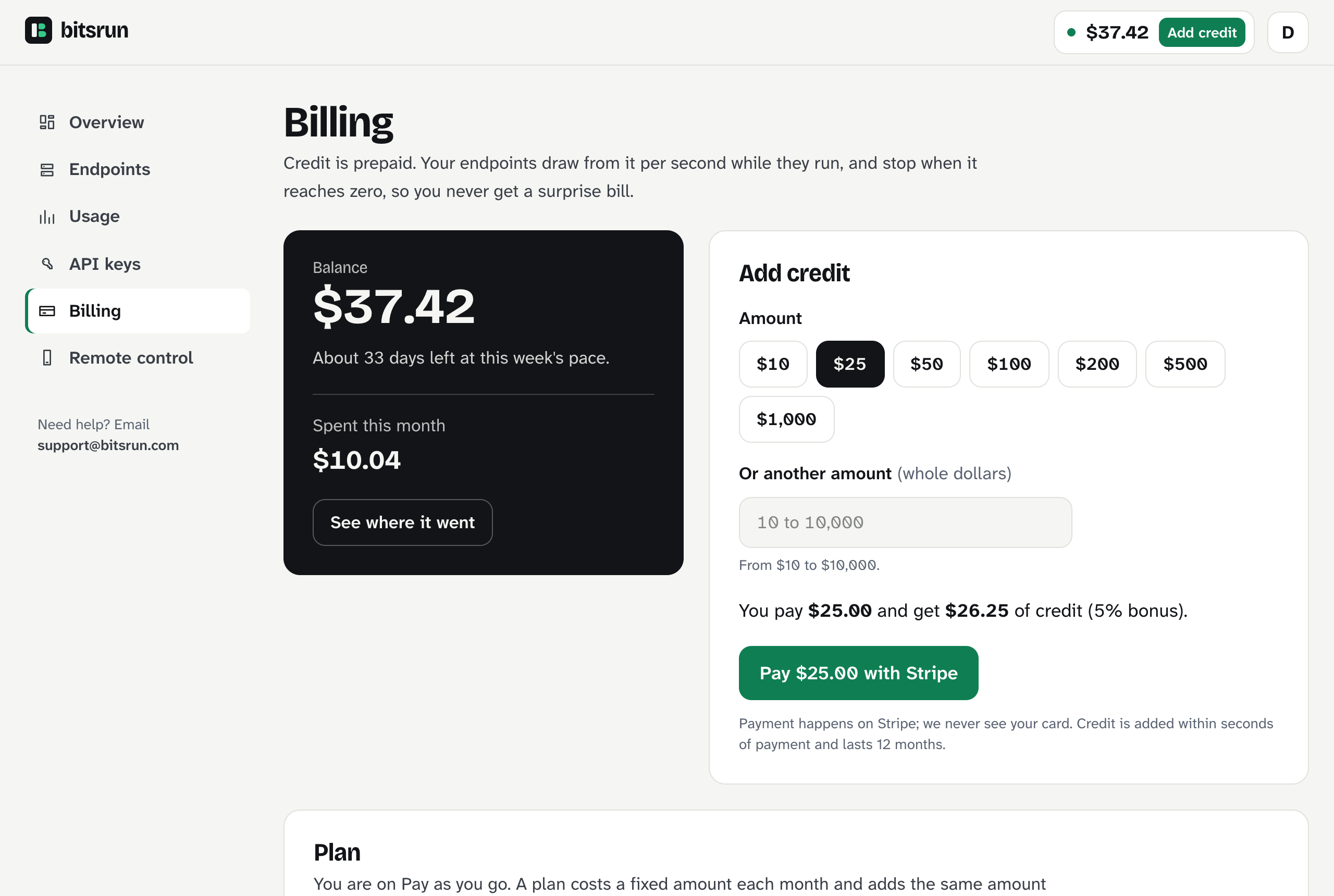
- In the dashboard, select Billing (or Add credit in the top bar).
- Pick an amount: $10, $25, $50, $100, $200, $500 or $1,000. Or type any whole-dollar amount from $10 to $10,000.
- Check the line "You pay ... and get ... of credit". On Pro and Business plans it includes your bonus.
- Select Pay ... with Stripe. You finish the payment on Stripe's page. BitsRun never sees your card.
- Stripe sends you back to Billing. The credit appears within seconds.
Credit you pay for does not expire.
How long will it last?
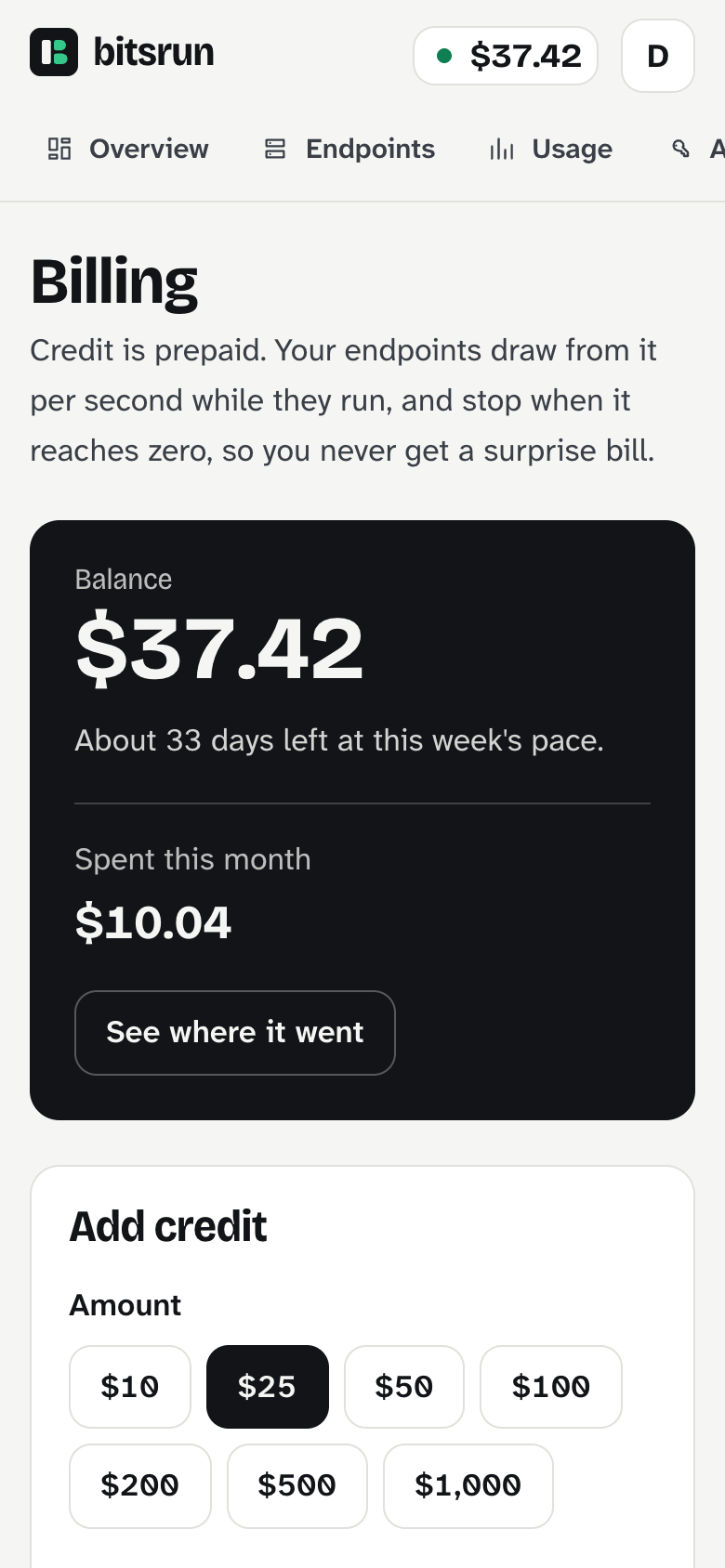
The balance card says how many days your credit lasts at this week's pace. As a rough guide, $10 buys about 10.5 hours of awake time on an NVIDIA L4.
Never run out
- Monthly top-up: adds the same amount every month. Set it on the Billing page.
- Balance emails: we email you when your balance drops below an amount you choose (default $5), and again if your endpoints stop at $0.
- Plans: Pro ($29 a month) and Business ($299 a month) add that amount as credit each month, plus a bonus on top-ups. See Plans.
What can go wrong
| What you see | What to do |
|---|---|
| "Payment cancelled. Nothing was charged." | You left Stripe before paying. Start again when ready. |
| "Top-ups are whole dollars from $10 to $10,000." | Use a whole number in that range. |
| "Adding credit is not available right now." | Try again in a few minutes, or email support@bitsrun.com. |
Next step
View as MarkdownUpdated
Still stuck?
Email support@bitsrun.com with what you tried and any request id you saw. A real person answers.